





How to Choose the Best POS System: 10 Criteria for Restaurants
IN SHORT
There is no single best POS system for everyone. The best one fits your business type, keeps working when the internet drops, integrates with fiscal printers and online ordering platforms, and gives you 24/7 support.
When opening a restaurant, café or bar, or replacing an existing system, the most common question is: “Which POS system is the best?” Instead of listing brands, this guide explains in plain language what to look at so you can choose the right system yourself.
First, define your business
A coffee shop and a 20-branch chain don’t have the same needs. Before you start choosing, see which group your business falls into:
| Business type | Top priority |
|---|---|
| Coffee shop | Fast checkout, fast payment, loyalty and QR menu |
| Full-service restaurant | Floor plan, waiter handheld terminal, kitchen printer, split bills |
| Chain restaurant | Central menu and price management, branch reports, stock control |
| Cloud kitchen / delivery | All online platform orders on one screen, courier tracking |
| Bar / beach club | Speed at peak hours, open tabs, works even with weak internet |
10 criteria for choosing a POS system
Use the 10 points below as a checklist. The more you can answer “yes” to, the better the system fits your business.
Does it work when the internet goes down?
Cloud-only systems can stop during an outage. Hybrid (online offline) systems keep selling. What Is a Hybrid POS? explains the difference.
Can staff learn it easily?
A new waiter should be able to learn the system in one shift. Use the screens yourself during the demo.
Is it compatible with your hardware?
Fiscal POS, Android POS, printers and scales and similar devices should work with it.
Does it have e-Invoice, e-Archive and e-Receipt?
For legal obligations, e-invoicing integration should be built into the system.
Do online orders land on one screen?
Yemeksepeti, Getir Yemek, Trendyol Yemek and Migros Yemek orders should appear on the till, not on separate tablets.
Does it track stock and recipes?
Raw materials should be deducted automatically for every item sold, and cost and waste should be visible.
Can you access reports from anywhere?
You should see sales, product and staff reports on your phone in real time. With multiple branches, all of them should be on one screen.
Does it talk to your accounting software?
Data transfer to accounting and ERP software such as Logo and Mikro removes double entry.
When and how is support provided?
There should be 24/7 support you can reach when something goes wrong at night or on the weekend.
Is the total cost clear?
Look not only at the monthly fee but also at installation, hardware, integration and add-on module costs.
Be sure to ask in the demo
Asking these questions in the sales meeting or demo shows you how the system will work in real life:
- What happens if we cut the internet now? Can you show me?
- How long does it take to enter my menu, and who does it?
- How does an online platform order look on screen?
- How do I change a product’s price in all branches at once?
- How do I see the end-of-day report on my phone?
- Do you provide training after installation?
- Is the support line open at night and on weekends?
- Can I take my data with me if I switch to another system?
4 common mistakes
- Looking only at price: A cheap system that stops during an outage can cost you the difference in a single busy evening.
- Deciding without a demo: Everything looks good in a brochure. Use the screens yourself.
- Leaving integrations for later: Fiscal printer, e-Receipt and online ordering integrations should be planned from the start.
- Not planning for growth: Even if you have one branch today, the system should grow with you when you open a second one tomorrow.
How does SuitPOS measure up?
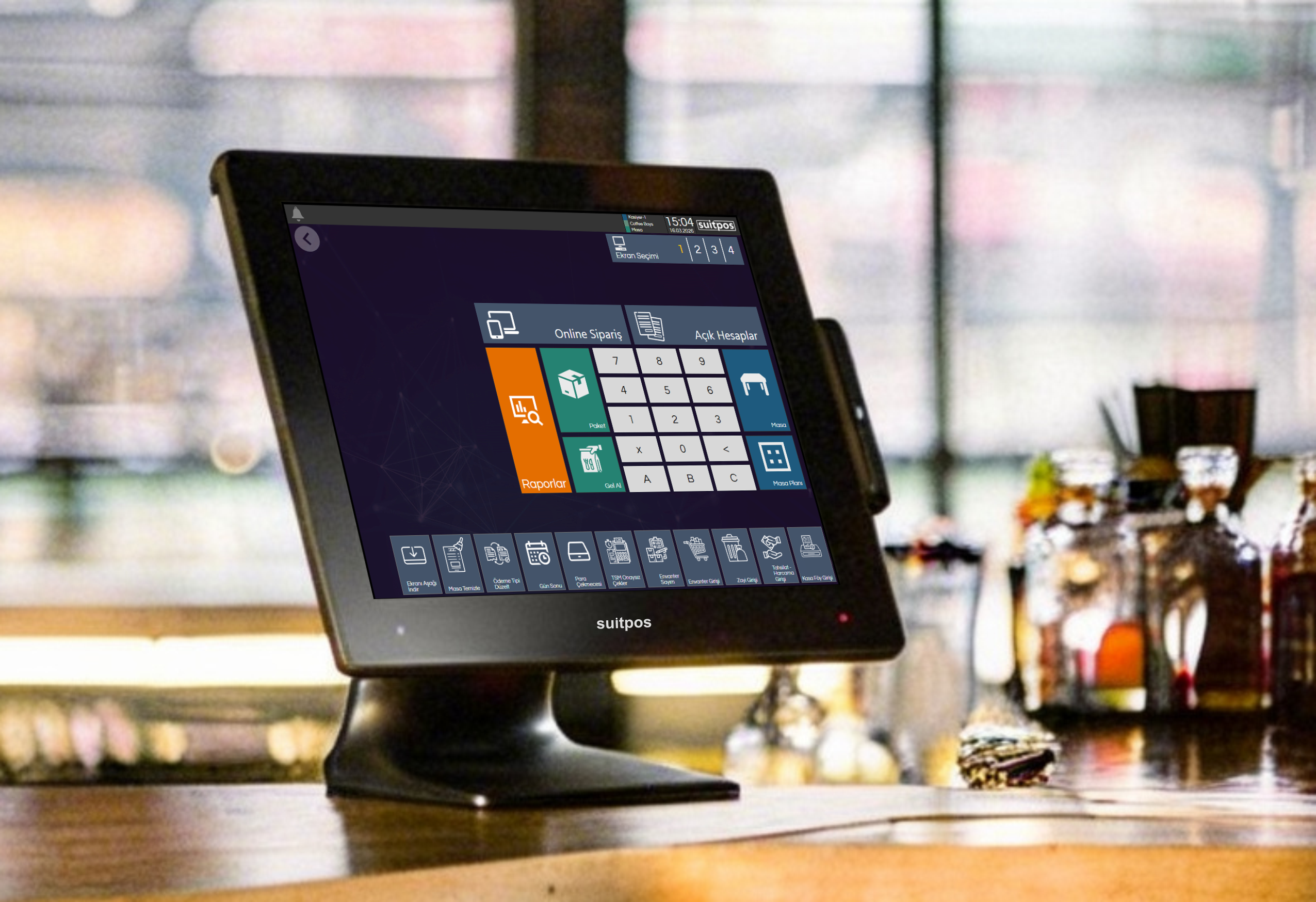
SuitPOS is a hybrid POS and ordering system built for restaurants and cafés:
- You keep selling with or without internet; data syncs with the cloud in real time.
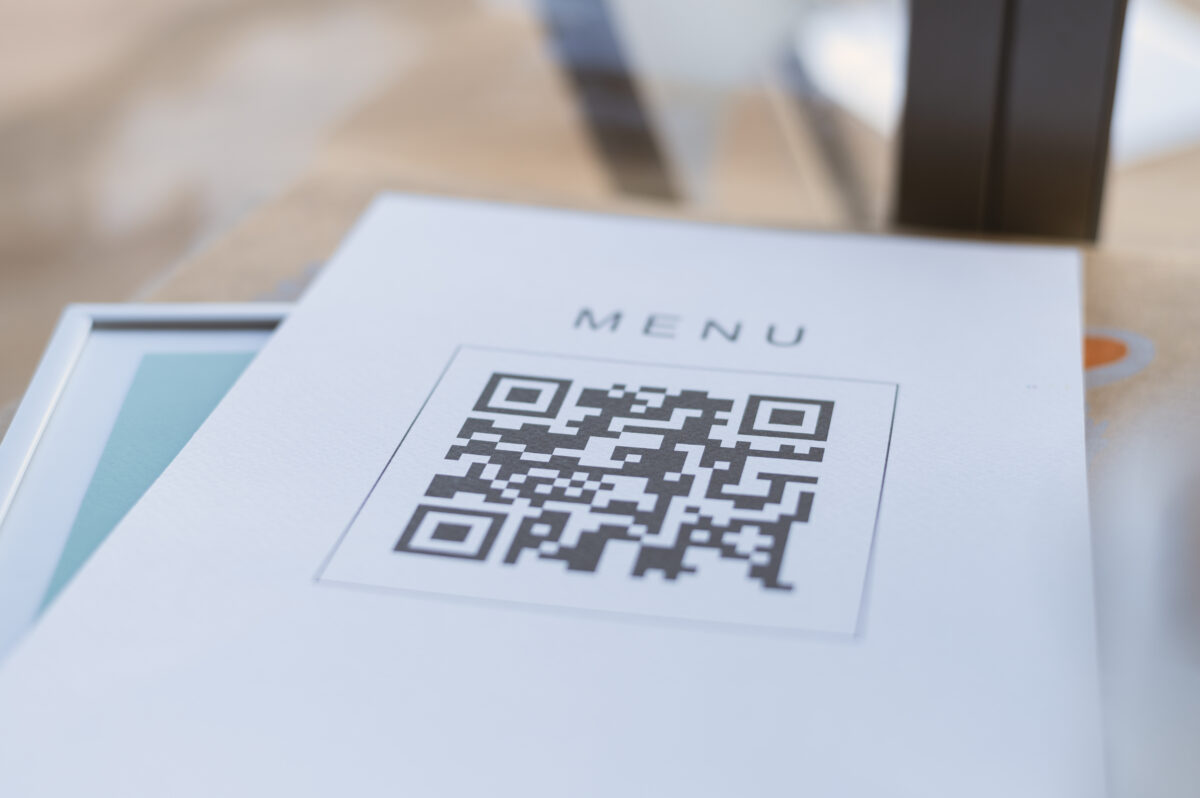
- Table ordering, delivery, QR menu, kiosk and online platform orders are all in one system.
- It integrates with fiscal POS, e-Invoice, e-Archive and e-Receipt.
- It works with Logo, Mikro and other accounting/ERP software.
- It tracks recipe-based stock and costs, with central reporting from one branch to hundreds.
- 24/7 support is provided.
Let’s test these 10 criteria on SuitPOS together
In a free demo, cut the internet and see with your own eyes how the system keeps working.
Frequently asked questions
Which is the best POS system?
There is no single best system for everyone. The best one for you fits your business type, works when the internet goes down, integrates with fiscal printers and online ordering, gives you reports from anywhere and offers 24/7 support.
Cloud POS or hybrid POS: which is better for a restaurant?
If you don’t want an internet outage to stop sales, a hybrid POS is safer. A hybrid system also keeps the remote reporting advantage of a cloud POS.
Is a POS system the same as a restaurant ordering program?
In everyday use they mean the same thing. Modern POS systems combine checks, table tracking, payments, stock and reporting in one piece of software.
Is it hard to switch POS systems?
When menu and product transfer, device setup and staff training are planned, switching usually goes smoothly. Be sure to ask about the migration process during the demo.
What should I focus on most when choosing a POS system?
Uninterrupted operation, ease of use, legal integrations (e-Receipt, fiscal printer) and support quality are the top four criteria.