







Get a better flow with your full-service restaurant POS.
Unlock big growth opportunities with refreshingly easy restaurant technology that helps your staff delight guests every time.
Start selling right away
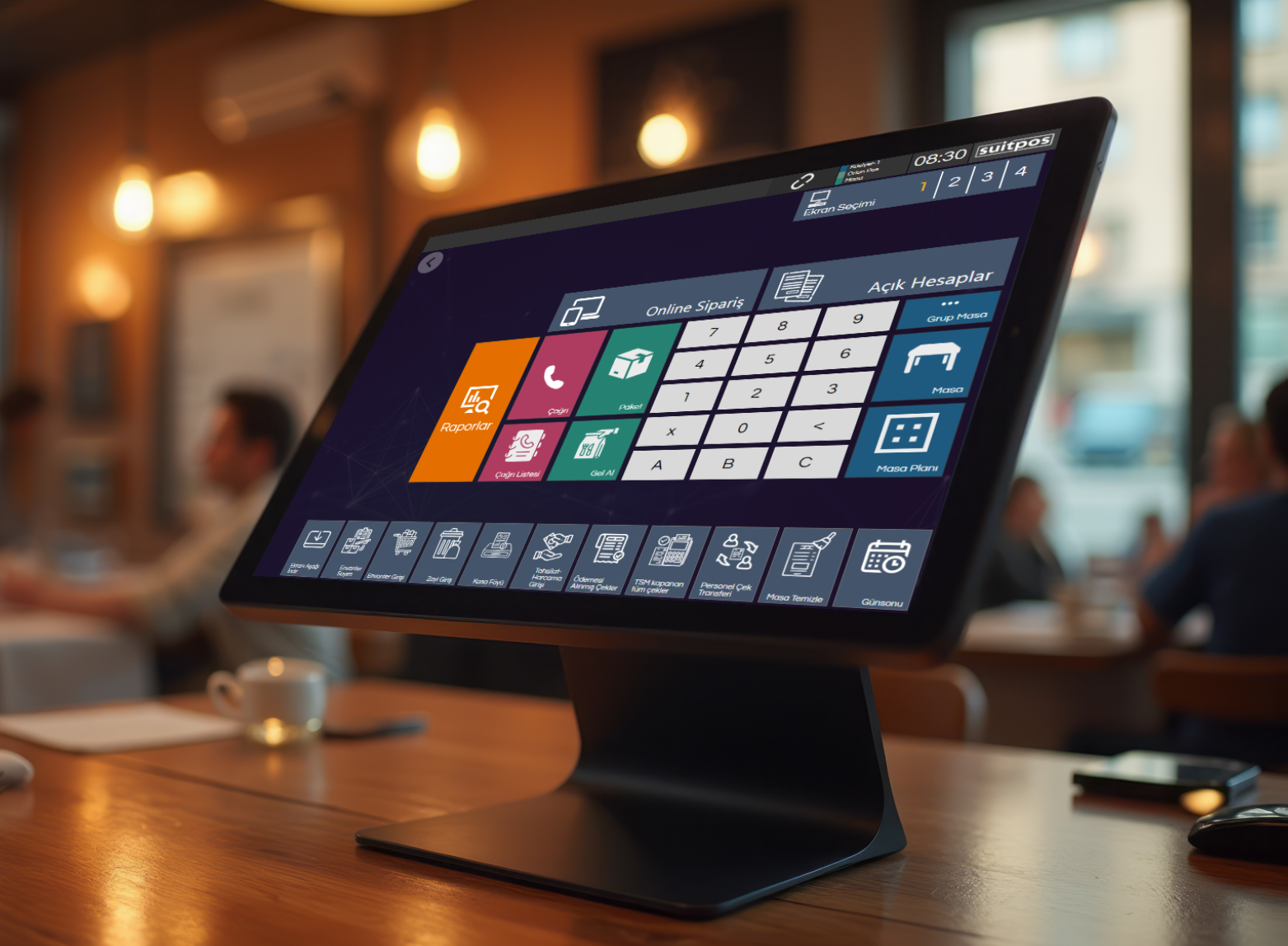
The POS system is a fast and reliable restaurant ordering and billing program with a user-friendly visual interface. Set up your products in minutes and start taking orders right away.

Suitable for All Restaurant Types
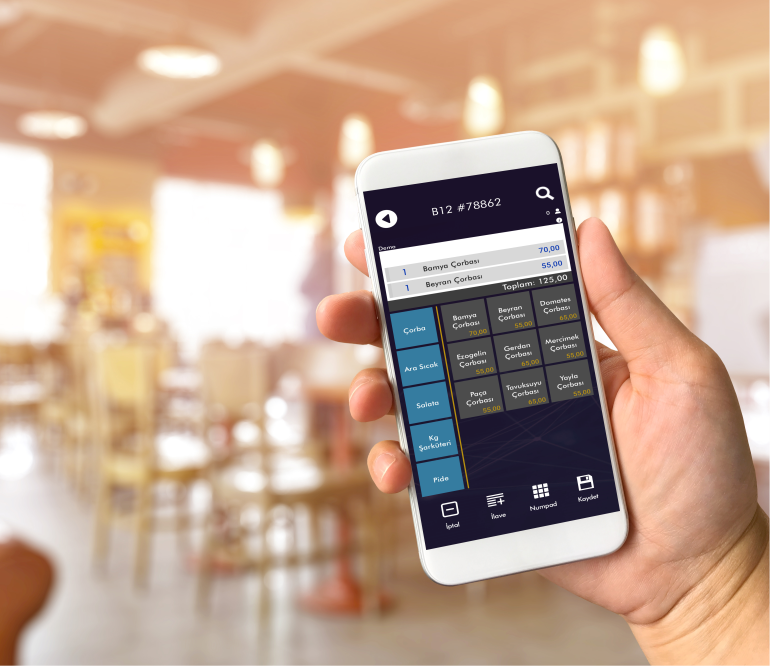
A cloud-based restaurant ordering and billing app for Android devices. Install it on a tablet and try it now.
-

Cloud POS System
A cloud-based restaurant ordering and billing app for Android devices. Install it on a tablet and try it now.
-

Online and Mobile Reporting
A cloud-based restaurant ordering and billing app for Android devices. Install it on a tablet and try it now.
-
Online and Mobile Reporting
A cloud-based restaurant ordering and billing app for Android devices. Install it on a tablet and try it now.
-
Suitable for All Restaurant Types
A cloud-based restaurant ordering and billing app for Android devices. Install it on a tablet and try it now.
-
Cloud POS System
A cloud-based restaurant ordering and billing app for Android devices. Install it on a tablet and try it now.

- Suitpos
- Suit Rapor
- Suitpos
- Suit Rapor
- Suitpos
- Suit Rapor


Fully integrated, all in one place
Don't waste time integrating the other devices, accounting software and online systems you want to use with your restaurant program.


Frequently Asked Questions
-
Hospitality businesses need to provide better service to earn more. That is why giving the business a controlled workflow is so important.From the guest:• taking the order, • preparing it, • serving it and • collecting payment should happen in a set order and as fast as possible.This way you can deliver:• service to more guests, • with only the staff you need, • at the highest quality and • at the fastest speed.
-
An automation system that handles all these operations with computer-based touchscreen terminals or mobile terminals is called a POS system. The term comes from the English "point of sale".Suitpos is a next-generation POS system that: • delivers the most benefit at the lowest cost, • pays back your investment fastest, • lets you run all your business operations from one place, • is built with the latest technology.
-
Businesses that can use SuitposSuitpos is designed for businesses in food & beverage, hospitality, catering and entertainment. They can be single-location businesses or multi-branch chains. Suitpos's table service, delivery, takeaway and direct sales, card spending, central management, reporting and web reporting modules are designed around the needs of all these businesses.Restaurants:Table-service restaurants, quick-service restaurants and kebab restaurants can use Suitpos's touchscreen and/or handheld terminals to take orders, send them to points such as the kitchen and bar, and handle bills, payments, stock and cost control and reporting, keeping their business under control. They can build their own standard system and use it to grow.Cafés:Table-service cafés, coffee chains and similar businesses take all orders quickly with Suitpos's fixed touchscreen or handheld terminals and send them to order points. At the end of the day they can get the reports they need and plan ahead.Bars:Busy bars with fast direct sales and table service are among the hardest businesses for owners to control. Getting to the till through a crowd is hard for waiters. Likewise, dozens of hands reach out to the bartender with money, and without a system things can get messy. Bars are one of the business types with the most intentional or unintentional leakage.Fast Food:In fast-food businesses with direct sales, takeaway and delivery, staff can enter a guest's order in seconds and take payment easily. With Caller ID they can quickly reach registered customers and track delivery orders. At the end of the day they get reports in seconds instead of hours.Patisseries & Bakeries:Patisseries with direct sales and barcode scales, as well as those offering table service, takeaway and delivery, can easily track sales and stock with Suitpos's easy-to-use, quick-to-learn design.Eateries:Eateries offering table service, self service, takeaway and delivery have a very fast service cycle. Guests may arrive and leave at the same time, eat quickly and want to leave, while delivery and takeaway customers want their orders fast and error-free. This is where Suitpos comes in. Taking an order with Suitpos takes no more than 10-15 seconds on a touchscreen or handheld terminal, and quick billing and easy touch-based check splitting speed up payment.Kiosks:Kiosks with direct sales, takeaway and delivery can easily track sales and stock with Suitpos's compact hardware that takes little space and needs no mouse or keyboard. With Caller ID they can quickly reach registered customers and track delivery orders. At the end of the day they get reports in seconds instead of hours.Clubs & Associations:Clubs and associations running on membership can easily handle member tracking, control and reporting of sales at food & beverage points, and stock tracking with Suitpos.Hotels:It can be used for every order type in hotel revenue centers such as restaurants, room service, lobby, café, bar, disco, car park, laundry and game room. By integrating with the hotel's front office and back office (accounting, stock) software, guest spending is posted to the guest folio automatically and online.Resorts:In prepaid resorts you can give guests magnetic cards, smart cards or smart wristbands and keep spending under control without handling cash. You can control guest spending, track sales at all food & beverage points and transfer them to front office and back office (accounting, stock) software if you use them.Amusement Parks:In prepaid amusement parks you can give guests magnetic cards, smart cards or smart wristbands and keep spending under control without handling cash. You can control guest spending, track sales at all food & beverage points and transfer them to front office and back office (accounting, stock) software if you use them.
-
Working with table serviceTaking orders• The waiter takes the order at the table, • Opens the check on the fixed terminal or handheld by entering the table number and number of guests, • Enters the items and sends the order with the save button. • Based on prior settings, the system knows which printers each item goes to and prints the orders separately. • Orders can be printed on different printers or on a single printer with different headings. • If an official check is used, it is printed with the check button. • When the guest orders more, the same steps are repeated.Taking the bill• When the guest asks for the bill, the bill button prints it on the chosen printer and it is taken to the guest. • Payment is taken in cash, credit card, meal voucher, etc. • If you work with a cashier, the payment is taken to the cashier.Payment and cashier/waiter workflows• The cashier recalls the check and closes it with the right payment type. • Alternatively, the waiter can keep the payments and hand them over with a report at the end of the shift. • This suits venues that work only with waiters and no cashier. Some businesses use a single terminal and only a cashier: the waiter brings the order to the cashier, who enters orders and handles bills, payments and till tracking.Reports and end of dayAfter working this way all day, once all open checks are closed, the reports you need are printed and the end-of-day process changes the business day. The business day stays the same until you run end of day, so if you close at 2:00 am, your day ends at 2:00 am and all that day's transactions are included in your reports.
-
Working with delivery• The order comes in by phone. • If the business uses a Caller ID device, the staff member answering sees the caller's number on screen. • If the customer is already registered, all their details appear on screen. • For a registered customer, one tap opens the order screen. • If not, the customer's details are entered once with the on-screen keyboard and one tap opens the order screen. • Businesses without Caller ID can register customers by phone number or a custom code and track them that way. • The customer's order is entered on the order screen. • The customer is asked how they will pay, and this is entered as a prepayment. • The courier list is then opened, the order is assigned to a courier and saved. If the courier isn't known yet, one can be assigned later. • Orders print with name and address details. • Once ready, the assigned courier picks up the order with the printout and delivers it. • Depending on the business, payments are collected from couriers at end of day, at shift change or after each delivery, and the checks are closed.Takeaway and fast-food workflow• The customer comes straight to the cashier and orders. • The cashier enters the order directly, without any other button, and presses the right payment key. • The transaction is done in just two steps. • For takeaway orders, the customer can be given a receipt and asked to collect the order at the pickup point.
