




What Is a Cloud POS? Online Offline POS Explained
IN SHORT
A cloud POS is a POS system that keeps sales, order and report data on servers on the internet (in the cloud) instead of on the computer at your venue. The owner can reach the till, the menu and reports from anywhere with internet.
In classic POS programs everything sits on the till computer: if it breaks, your data is at risk, and you have to be on site to see reports. A cloud POS changes this model. In this article we explain how a cloud POS works, its advantages, its one weak point and the online offline (hybrid) POS that fixes it.
How does a cloud POS work?
An order is entered
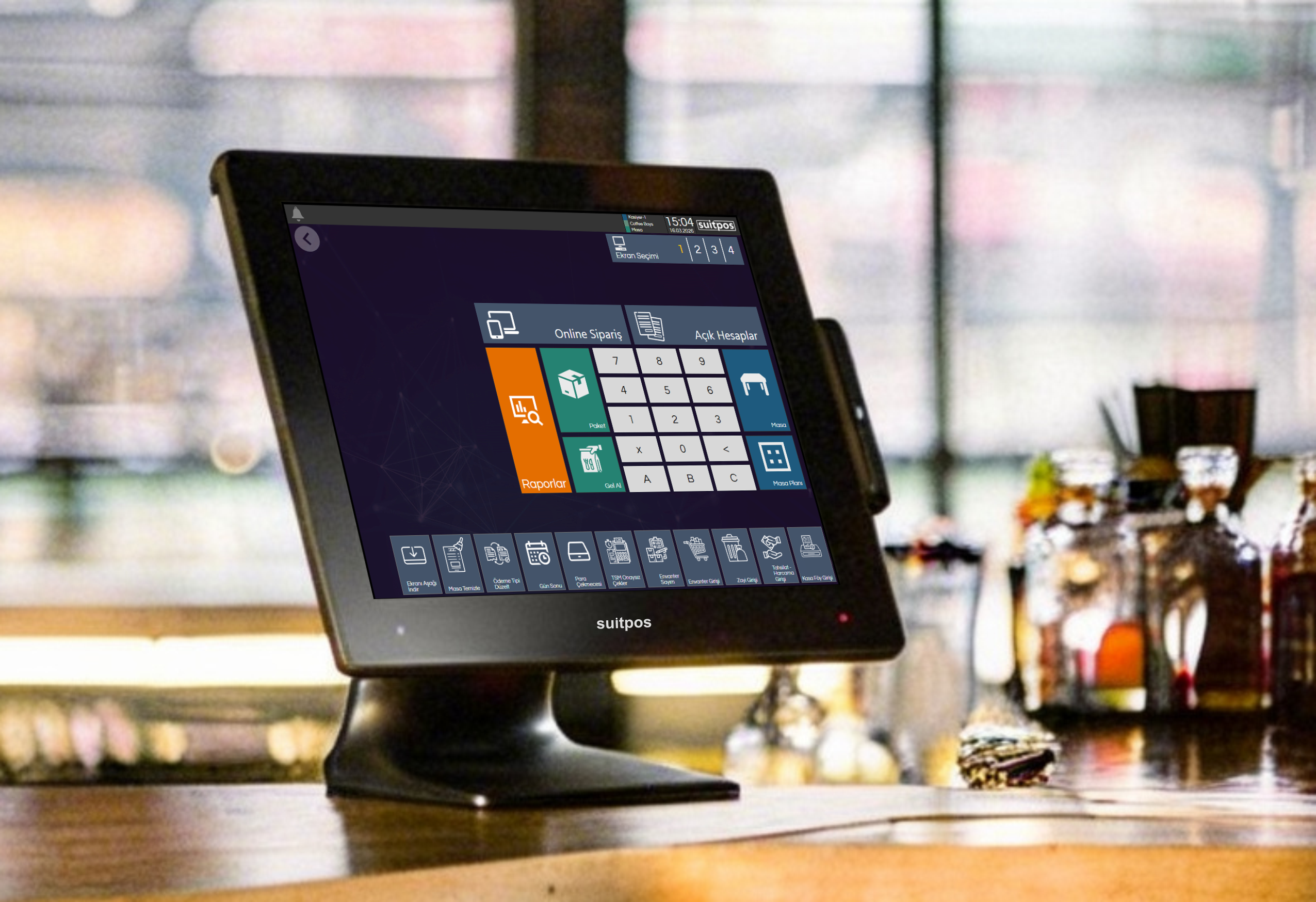
Orders and payments are taken on the till, a tablet or a waiter’s handheld terminal.
Data goes to the cloud
Every transaction is saved instantly to a server in the cloud over the internet.
Reports from anywhere
The owner follows sales, products and staff live on their phone or the web dashboard.
Advantages of a cloud POS
- Access from anywhere: See reports from home, the office or on holiday.
- Easy setup: No separate server is needed at your venue.
- Automatic backup: Even if the till computer fails, your data is safe in the cloud.
- Central menu and prices: Changes are made in one place and reach every till and branch.
- Multi-branch management: Sales for all branches appear on one screen.
The weak point of a cloud POS: internet outages
In a cloud-only POS, every transaction depends on the internet. When the internet drops, sales can stop or be limited. On a busy evening this means orders written on paper, mixed-up bills and waiting guests.
The solution built to remove this risk is the online offline POS, in other words a hybrid POS.
What is an online offline POS?
An online offline POS works like a cloud POS while the internet is up and keeps selling on the till when it goes down. Sales made during the outage are synced to the cloud automatically when the connection returns. For details, see our What Is a Hybrid POS? article.
| A cloud POS | Offline POS | Online offline (hybrid) POS | |
|---|---|---|---|
| Where data lives | In the cloud | Only on the till | On the till and in the cloud |
| Sales during an outage | May stop | Continue | Continue |
| Remote access to reports | Yes | No | Yes |
| Multi-branch management | Easy | Hard | Easy |
Which one should you choose?
- If your internet is very reliable and your business is small: A cloud POS may be enough.
- If you run busy service: An online offline (hybrid) POS is safer so sales don’t stop during an outage.
- If you have more than one branch: Cloud reporting is a must; a hybrid setup protects every branch against outages.
- If you’re in a mall, by the sea or in a holiday area with weak internet: Choose a hybrid POS.
For the other criteria to check when choosing, read our How to Choose the Best POS System guide.
SuitPOS: cloud or hybrid, as you need
SuitPOS, depending on your business needs, can be used as Online (cloud) or Hybrid (online offline) . In hybrid mode you keep selling with or without internet, and data syncs with the cloud in real time. You follow reports on your phone and the web dashboard and manage all your branches from one center.
Let’s see which one suits your business
In a free demo, let’s compare cloud and hybrid use with your own menu.
Frequently asked questions
What is a cloud POS?
It is a POS system that keeps sales, order and report data on servers on the internet and can be accessed from anywhere.
Does a cloud POS work when the internet goes down?
With cloud-only systems, sales can stop or be limited. With an online offline (hybrid) POS, the till keeps working during the outage.
What does online offline POS mean?
It is a POS system that runs in the cloud when there is internet and on the till when there isn’t. After an outage, data syncs to the cloud automatically; it means the same as hybrid POS.
Is my data safe with a cloud POS?
Because data is stored on servers outside your venue, it isn’t lost even if the till computer breaks or is stolen.
What devices do I need for a cloud POS?
A computer, tablet, Android POS device or waiter handheld terminal can be used, chosen by your business size and service type.